The whole room
In-person meetings: the phone's microphone picks up every participant around the table.
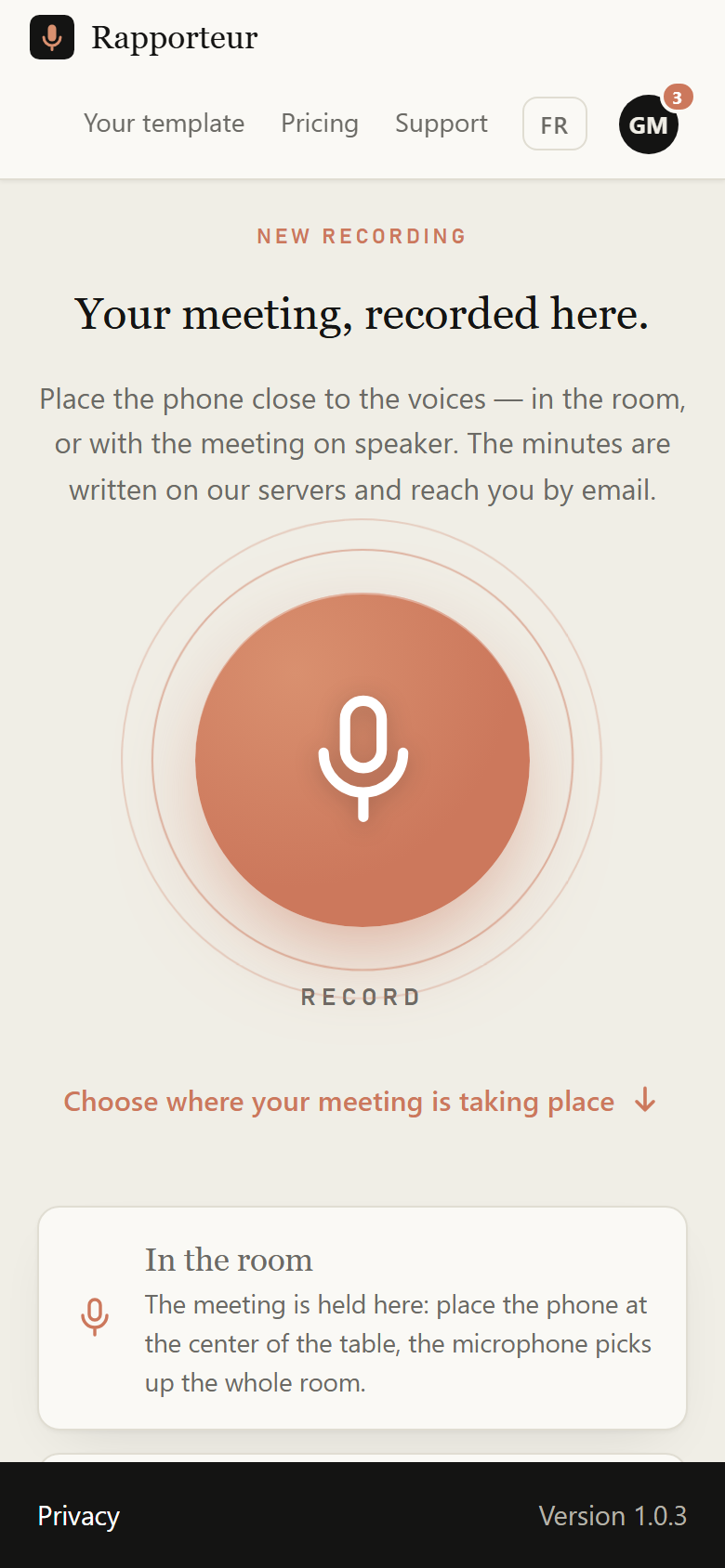
Available on Google Play. One button in the center: press it, place the phone close to the voices, and the minutes arrive by email. The screen can turn off, the network can drop: the recording stays on the phone and leaves on its own when the connection returns.
In-person meetings: the phone's microphone picks up every participant around the table.
Put them on speaker: it picks up the other participants and your voice.
Put the phone away: the app keeps recording for the whole session.
After a first online launch, it opens and records offline. Meetings are kept on the phone, several in a row if need be, and leave on their own when the connection returns.
Scan this code with your phone: it opens the Google Play page.

Same account, same minutes, same plans: switch from one to another without buying anything again. Your trial is free: one meeting report (a meeting of up to 2 hours), one final report and one interactive evaluation, with every feature.