Captures the whole computer
Teams or Zoom installed on the Mac — not just a browser tab. The other participants and your voice, on two tracks.
Free to download, for everyone. It records on your Mac, then uploads to our servers: the minutes arrive by email, just like online. Starting a meeting requires a subscription (Basic included) or a purchased pack — and the free trial covers it too: one meeting report (a meeting of up to 2 hours), one final report and one interactive evaluation.
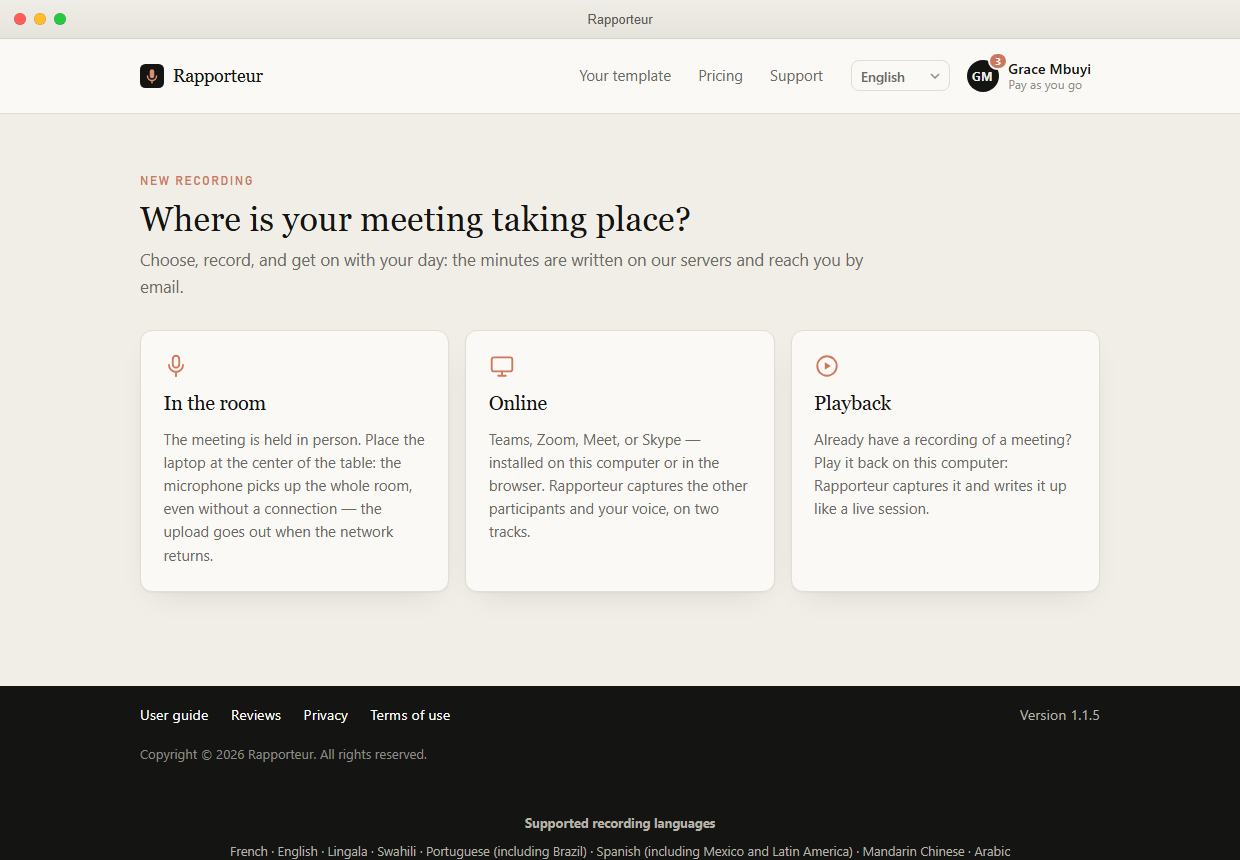
Teams or Zoom installed on the Mac — not just a browser tab. The other participants and your voice, on two tracks.
In-person meetings: put the Mac in the middle of the table; the microphone is enough.
Already have the recording of a past meeting? Play it back: it is written up like a live session.
Once opened online a first time, it records without a network. Meetings are kept on the Mac and go out on their own when the connection returns.
Same account, same minutes, same plans: switch from one to another without buying anything again. Your trial is free: one meeting report (a meeting of up to 2 hours), one final report and one interactive evaluation, with every feature.